
Sign in to your workspace
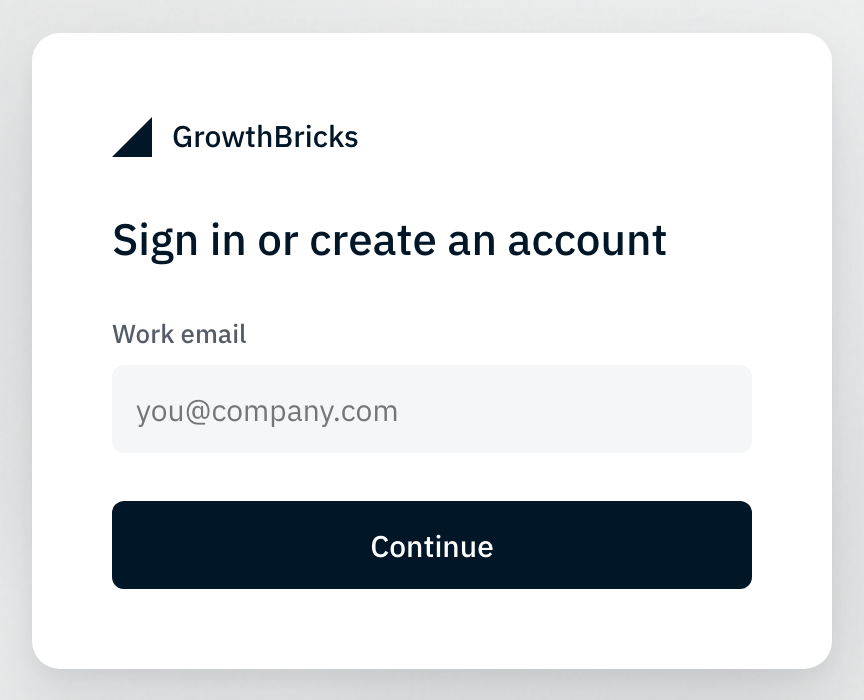
Open GrowthBricks and use the email address your team invited you with. Enter the six-digit code from your inbox, then choose your workspace.
On your first visit, Getting started explains how to connect Claude. If you are creating a workspace, give it your company or team name.
No code? Check spam and the email address, then use Resend. A closed alpha message means your address does not yet have access; contact the person who invited you.